Do you remember the time when Apple and nvidia were at war? This era may be coming to an end, but not thanks to Cupertino. The tinygrad framework now offers a functional driver to connect your external GPUs via USB4 to Mac.
To fully understand why the announcement of the tiny corp has the effect of a bomb, we have to rewind a little. In 2020, Apple sent everything flying with its M1 chips. This is the project Apple Siliconthe Apple brand got rid of Intel, its former partner.
Apple Silicon offered incredible firepower, record autonomy, but a totally closed system. In the process, Apple discreetly buried support for eGPUs (external graphics cards), a technology that was nevertheless very practical on old Intel Macs.
The official reason? The famous unified memory. By grouping the processor, graphics and RAM on a single chip, Apple has gained in efficiency what it has lost in freedom. If you wanted more graphics power or more memory for your calculations, the only solution was to go back to the cash register and buy a more expensive Mac. And we know Apple’s prices on RAM.
Up to €600 offered on OM SYSTEM cases and optics
Explore the colors of spring and go on an adventure with OM SYSTEM hybrids and lenses. Experience professional photography at the best price with offers of up to €600 free.
But the world of artificial intelligence has changed a lot of things. Today, to run massive language models (LLM) locally like Qwen or Llama, you need video memory, a lot of memory. This is where TinyGPU comes in. This is not a magic driver for playing Cyberpunk 2077 on your MacBook Air, but a calculation tool that allows you to connect an Nvidia or AMD card via USB4 to use it as an external reflection engine.
To go further
How to install a ChatGPT type LLM model on PC or Mac locally? Here is the ultimate guide for everyone
The hack that works
TinyGPU uses an Apple-approved driver extension to trick macOS into thinking the external GPU is a simple computing device. It’s a technical tour de force because Apple has consistently refused to provide drivers for Nvidia cards for more than ten years. Here, we are not talking about displaying an image on a screen (the GPU will not output any video signal), but about delegating complex calculations to the card.
To go further
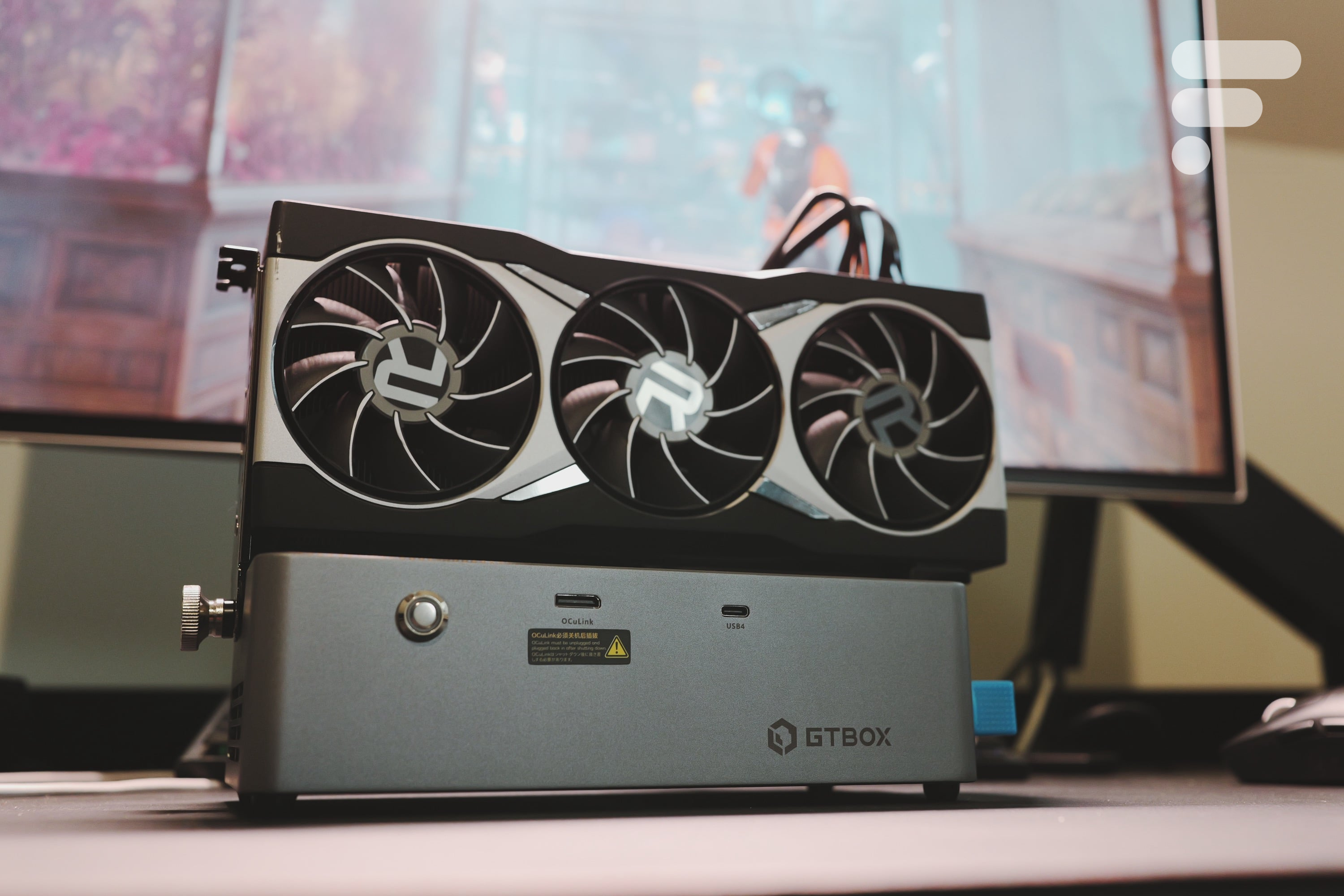
GTBOX G-Dock test: add a dedicated graphics card to your mini PC, laptop PC or console-PC for cheap
Concretely, the driver maps the GPU memory directly into the system. It is compatible with Nvidia Ampere (RTX 30) and later architectures, as well as AMD RDNA3 (7000 series) cards. The most beautiful? It works on any Mac equipped with a Thunderbolt 3, 4 or USB4 port, so this includes the entire Apple Silicon range. You install a small application, plug your card into a classic eGPU box, and the tinygrad framework takes care of the rest.
However, Thunderbolt bandwidth is limited to approximately 40 Gbit/swhich is much less than the 400 GB/s of the internal memory of an M5 Max chip. For AI, this is not necessarily prohibitive, because once the model is loaded into the Nvidia card’s memory, it stays there. This is a perfect solution for those who need 24 GB of VRAM (like on an RTX 3090) without wanting to sell a kidney for an ultra-configured Mac Studio.
Why it’s a small revolution for some
The real problem of the Apple Silicon era is price-programmed obsolescence. Today, if your computing needs increase, you must change machines. With TinyGPU, the tiny corp offers an alternative: keep your Mac and add an external GPU. It’s a more modular, more “PC” vision of computing, which is sorely lacking in the current Apple ecosystem.
The other issue is strategic. By making Macs compatible with Nvidia cards via their framework, George Hotz is attacking the CUDA monopoly. If you can do cutting-edge machine learning on Mac using an external RTX card, you no longer need to buy a PC, expensive servers, or rent compute time from AWS.
Yes, TinyGPU is a niche product for niche needs. But it is a strong signal sent. It has been proven that Apple Silicon hardware can support third-party components if given permission.
If you are equipped with an eGPU, you can test the project at home. Everything is available on the official website of tinygpu.
To go further
What are the best Apple computers in 2026 (MacBook and desktop Mac)?