Gemini is becoming the most useful AI chatbot for students, and anyone who wants to learn new things. As a reminder, since last year, Gemini has included a “Guided Learning” mode which allows the AI to respond to prompts in a way that helps students gain a better understanding of the subject, instead of simply obtaining the answer to a question. Recently, Google also announced an integration between NotebookLM and Gemini, which allows access to the functionalities of this search tool directly on the chatbot. And, this week too, Google has just presented a new feature that allows you to use Gemini to understand complex concepts, thanks to automatically generated animations.
Gemini can now transform your questions and complex concepts into customizable interactive visualizations directly in your chat.
Adjust variables, rotate 3D models, and explore data for a more immersive way to learn and explore in Gemini.
— Google Gemini (@GeminiApp) April 9, 2026
To access this new feature, simply activate Gemini’s “Pro†mode and ask your question. For example, when I asked the AI to explain to me how the Diesel engine works, it first gave me a classic answer. But, instead of trying to imagine how the answer text works, I was able to use the “Show Visualization†button to generate an animation.
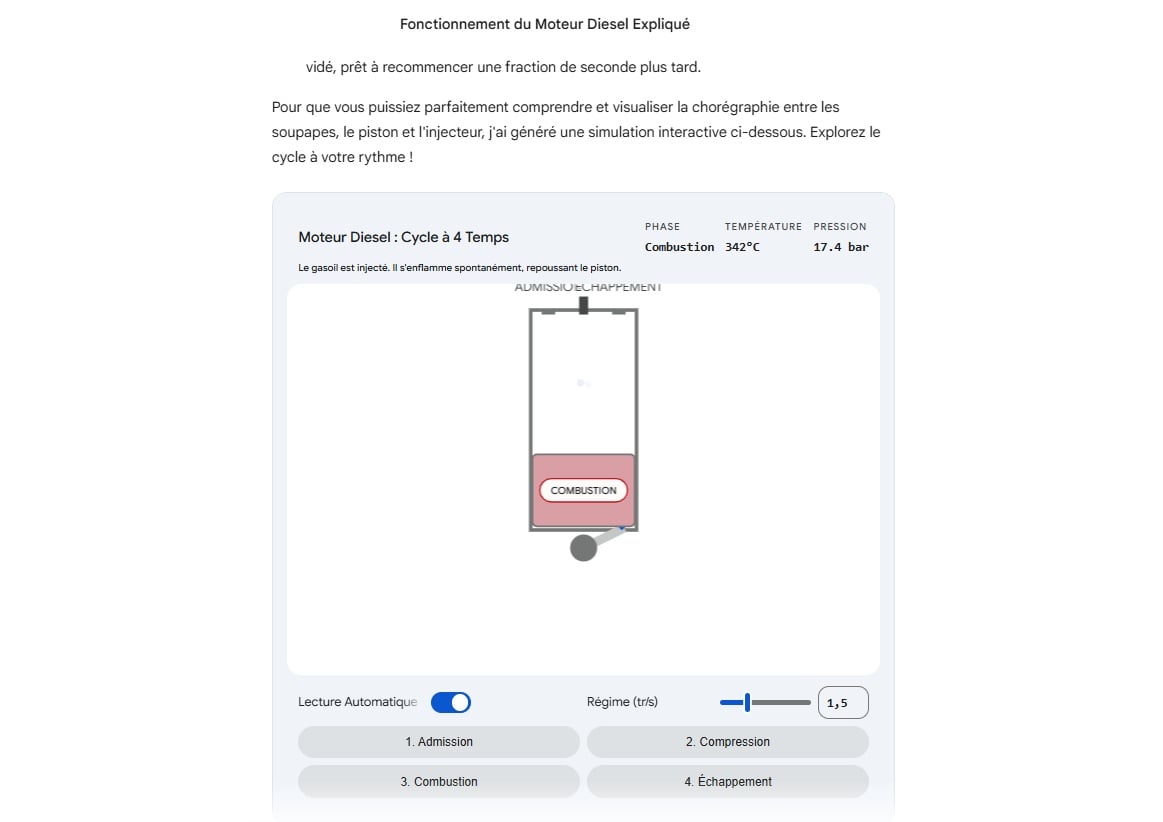
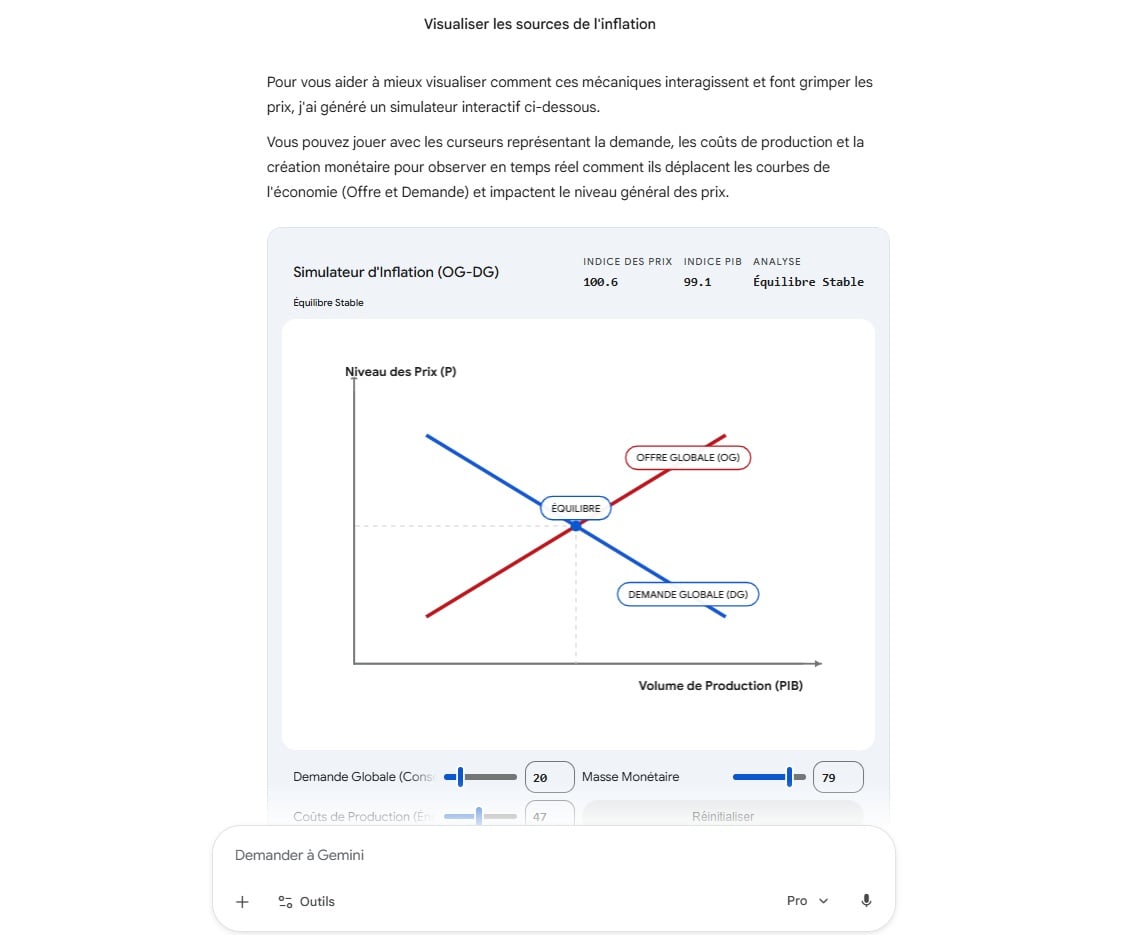
In this other example, I asked Gemini’s AI to explain inflation to me. And the animations are interactive, meaning you don’t just watch.
Gemini will save you (even more) time
Once again, Gemini can save time, by speeding up the time needed to understand a phenomenon, through visualization. “Previously, responses were mostly limited to text accompanied by static diagrams. Now we offer working simulations that help you better understand the topic you’re asking Gemini about. Whether you want to rotate a molecule or simulate a complex physical system, you can explore further with a simple query†, indicates the firm.
The only problem is that this feature is only available in Gemini’s “Pro†mode, access to which is very limited when you’re on the free version of Google AI. When writing this article, for example, I reached this limit of the free version after only three uses of Pro mode. And to make more use of this Gemini mode, which excels in particular in mathematics and coding, you will need to take out a paid subscription. The Google site states that users can send up to 30 prompts per day, on Gemini’s Pro mode, if they have a Google AI Plus subscription.
🟣 To not miss any news on the Journal du Geek, follow us on Google and on our WhatsApp channel. And if you love us, we have a newsletter every morning.