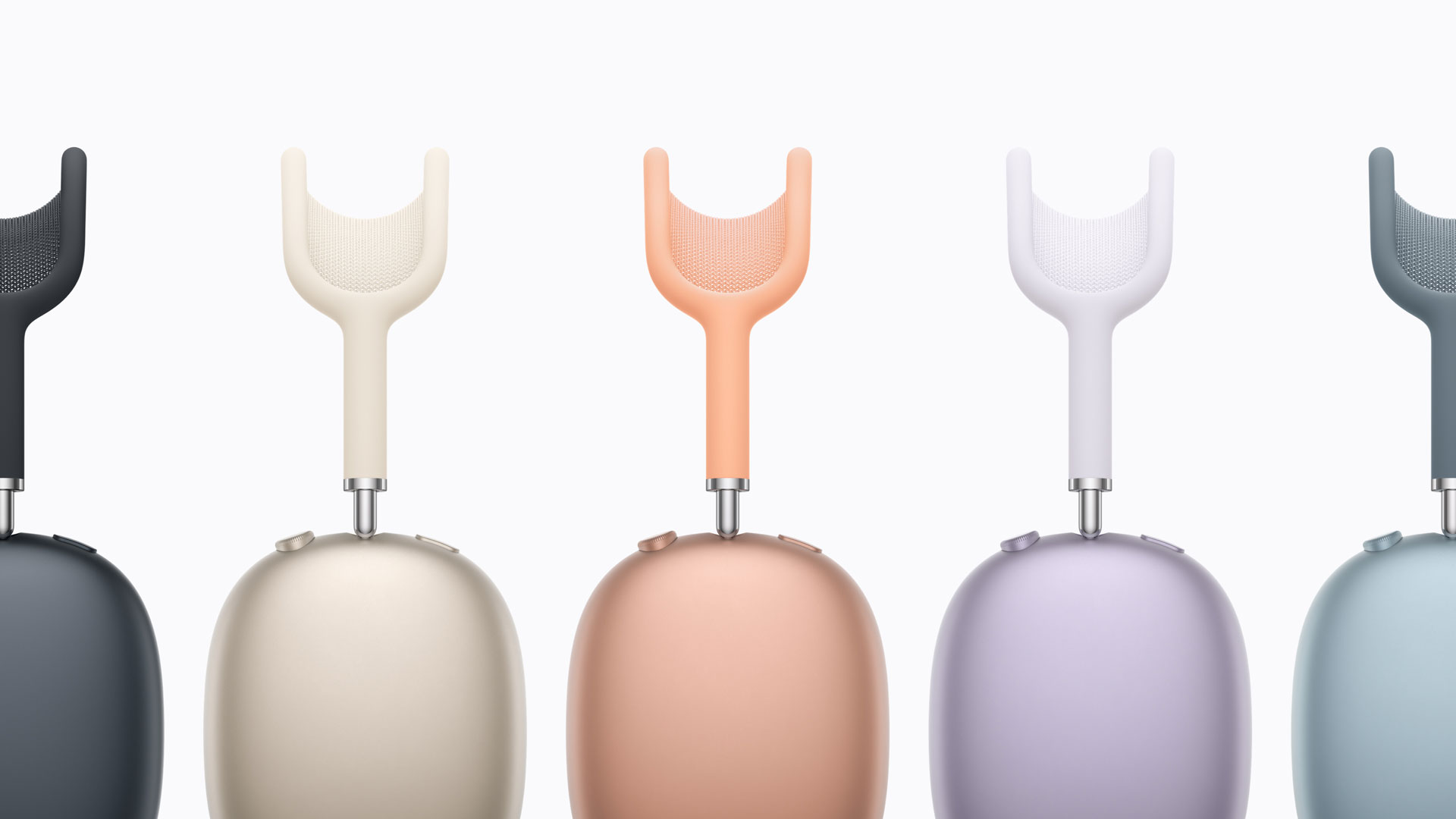
Apple releases a firmware update for the AirPods Max 2 just before its launch. The headphones will be available starting tomorrow, Wednesday, April 1. The new firmware version is 8E251. Some of the first units in stores and being delivered to early customers may not be equipped with this internal program. Media outlets that tested the new headphones early apparently had an older firmware version.
Apple simply states that this update “fixes bugs and brings other improvements”. It is worth noting that the firmware for the AirPods Max 2 is different from the USB-C AirPods Max 1 (7E108), which is also different from the original Lightning version (6F25). It is also distinct from the firmware of other recent AirPods (Pro 3, Pro 2, and 4), while Apple uses the same firmware for those (currently 8B39).
In short, if the initial tests and the price ($579) haven’t deterred you, know that an update could be waiting for your AirPods Max 2. There is no rush to install the new firmware as it happens automatically under certain conditions, but if you want to expedite the process, here is what to do:
– Check that your iPhone, iPad, or Mac has the latest operating system and Bluetooth is enabled. – Ensure your AirPods Max is connected via Bluetooth to your iPhone, iPad, or Mac. – Connect your iPhone, iPad, or Mac to Wi-Fi. – Charge the headphones. – Keep it within Bluetooth range of your iPhone, iPad, or Mac and wait at least 30 minutes for the internal program to update. – Reconnect your AirPods Max to your iPhone, iPad, or Mac. – Check the firmware version in its settings.
Apple has also started rolling out an update (firmware 8B39) for other AirPods models on sale, as well as for the AirPods Pro 2 last week.