The launch of a new high-end smartphone rarely should complicate the lives of drivers. However, since the arrival of the Galaxy S26, many users have reported major malfunctions with Android Auto. Unstable connections, looping disconnections, impossibility to use the application: the problem now goes beyond a simple isolated bug.
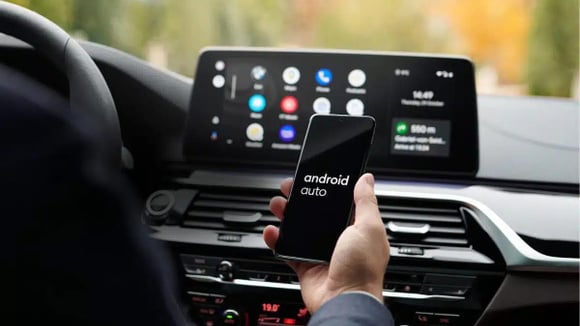
On paper, the arrival of the new Samsung Galaxy S26 seems like good news for consumers looking to replace their aging smartphones. However, when connecting it to their car, they faced a multitude of problems that prevent the use of Android Auto. And you could very well be affected too.
An unstable connection that renders Android Auto unusable
The reports are multiplying in recent weeks, especially among users of the latest Samsung Galaxy S26 smartphone. The scenario is often the same: the phone connects properly to the vehicle’s onboard system, Android Auto starts then the connection cuts off a few seconds later, only to come back, then disappear again. A loop cycle that makes the application simply unusable.
This behavior has been widely documented on Google forums and Samsung, with cases mainly affecting wired connections, usually considered more stable. Some users describe a perfectly functional experience with their old device, like the Galaxy S25 Ultra, before switching to the new model and immediately facing these problems. In some cases, the application even refuses to launch, completely blocking access to navigation, music, or calls. On Reddit, an S26 Ultra owner goes as far as threatening to return their new device before the end of the 15-day return period, as the malfunction hinders their daily use. In a context where Android Auto has become a central tool for many drivers, particularly in modern vehicles equipped with high-performance native systems, this instability poses a real usage problem.
A wider bug that goes beyond a single model
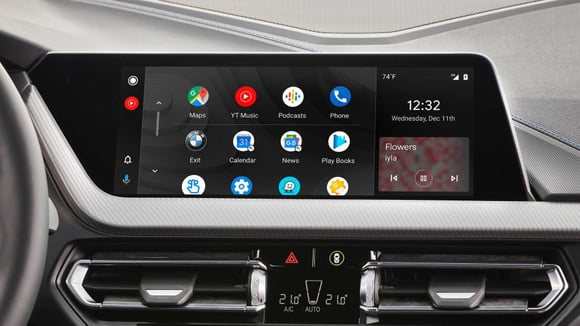
While the Galaxy S26 is at the center of reports, it is not the only one affected. Users of Pixel smartphones also report similar difficulties since a recent update of Android Auto. This is crucial as it suggests that the problem does not come solely from Samsung hardware but could be related to a broader software evolution. Among the proposed possibilities, some advanced security features of Android are suspected of interfering with the connection between the smartphone and the vehicle. Other hypotheses point to certain system applications capable of disrupting communication in the background. But at this stage, no official explanation has been confirmed by Google or Samsung.
In the meantime, proposed solutions remain random. Some users claim to have regained normal operation after resetting their phone, deleting certain applications, or completely reconfiguring the onboard system. Others mention more radical manipulations, like multiple resets, with no guarantee of success. These workarounds mainly indicate the lack of a clear and general fix.
However, according to the Android Police media, an update to Android Auto is currently being deployed and could address these connection issues. But without detailed communication from Google, it is difficult to know if it will definitively solve the situation.